
JotForm
Integrate Kalumma with JotForm for advanced data collection.
Media


Description
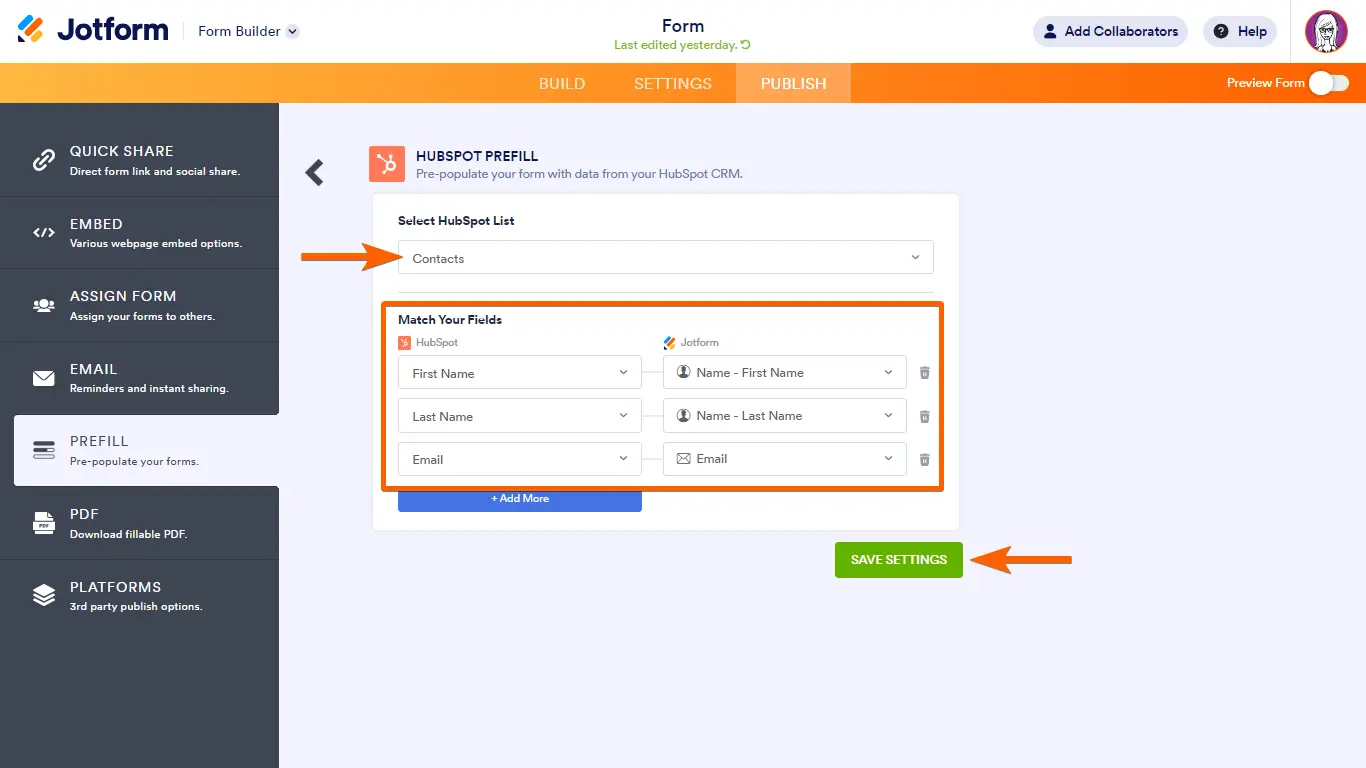
Connect JotForm to Kalumma to bring form submissions directly into your workflows. New responses flow into Kalumma automatically, so intake, requests, and sign-ups are captured without manual re-entry. Map form fields to the records your team already works with, and keep submission data in sync as it comes in. Setup is guided, so most teams can connect their forms and start routing responses without engineering help.
Benefits

No manual re-entry
Submissions arrive structured, so your team stops copying data between tools.

Faster response times
Routed submissions reach the right person sooner, shortening turnaround.

Cleaner intake data
Consistent field mapping keeps incoming data tidy and reliable.
Testimonials
"Form responses used to sit in an inbox. Now they land where the team actually works, already routed to the right person."

Operations lead
Mid-market services company
"Mapping fields once meant we stopped re-keying intake data. The time savings added up fast."

RevOps manager
B2B SaaS
Features

Automatic submission sync
New JotForm responses flow into Kalumma as they're submitted, no manual export.

Field mapping
Map form fields to your Kalumma records so submissions land as structured, usable data.

Response routing
Route incoming submissions to the right owner or workflow based on rules you set.
How it Works
Once connected, Kalumma listens for new JotForm submissions and brings them in as structured records. You choose which forms to include and map their fields to the data your team uses, so a submission becomes something actionable rather than a standalone entry. Updates flow in as they happen, keeping Kalumma current without manual exports. Teams that want more control can use the connection to trigger downstream steps — routing a request, notifying an owner, or updating a related record. Configuration is handled through a guided setup with documentation at each step, so you can connect forms, map fields, and choose how responses are handled without writing code.
Integration Diagrams
Data
Record
Record
Contact
Contact
Status update
Status update


Data
Form submission
Form submission
Respondent
Respondent
Submission event
Submission event
FAQ
You choose which JotForm forms to include during setup; you can add or remove forms later.
No. Setup is guided with step-by-step documentation; most teams connect forms and map fields without engineering help.
New submissions flow into Kalumma as they're received, so records stay current without manual exports.
Yes. You can route incoming submissions to the right owner or workflow using rules you define.
You choose during setup whether to import past submissions or begin syncing from connection onward.