Google Calendar
Keep scheduling in sync between Kalumma and Google Calendar
Schermafbeeldingen
Beschrijving
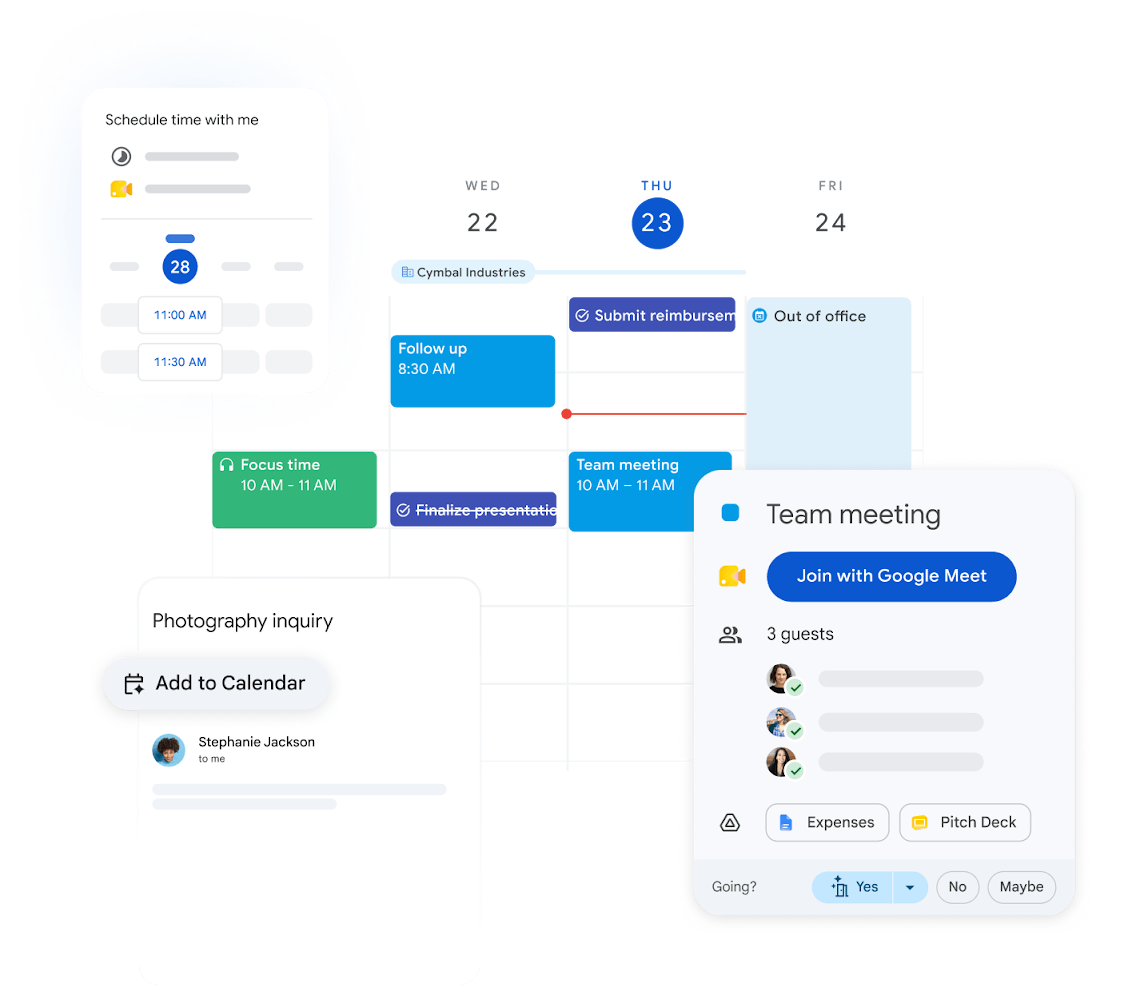
Connect Google Calendar to Kalumma to keep meetings, availability, and event details consistent across both systems. Once connected, calendar events created or updated in either place stay aligned, so your team plans against a single, current view of the schedule. The integration supports real-time sync, and gives technical teams REST and CalDAV access for building tailored scheduling flows. Setup is guided by step-by-step documentation, so most teams can connect and configure without engineering involvement.
Voordelen
Getuigenissen
"Sinds we onze agenda's aan elkaar hebben gekoppeld, hoeven we veel minder tijd te besteden aan het heen en weer bevestigen van onze beschikbaarheid. De tweewegsynchronisatie zorgt ervoor dat alles perfect op elkaar is afgestemd."

Operations lead
SaaS-bedrijf voor het middensegment
"De mogelijkheid om te kiezen welke agenda's gesynchroniseerd worden en in welke richting, maakte de uitrol eenvoudig. De API-toegang gaf ons team de ruimte om later aanpassingen te doen."

IT administrator
Professioneel dienstverleningsbedrijf
Kenmerken
How it Works
When you connect Google Calendar, Kalumma establishes a secure link to your Google Workspace account and begins syncing calendar events in both directions. New events, updates, and cancellations flow between the two systems so schedules stay aligned without manual copying. Behind the scenes, the integration uses Google's REST and CalDAV APIs, which means teams that want more control can script custom behavior — for example, automatically creating calendar holds from Kalumma records, or reflecting external bookings back into Kalumma. Day to day, the result is fewer double-bookings, less back-and-forth confirming availability, and a schedule your whole team can trust. Configuration is handled through a guided setup flow with documentation at each step, so you can connect, map your calendars, and choose sync preferences without writing code.
FAQ
Ja. Gebeurtenissen die in Kalumma of Google Calendar worden aangemaakt of bijgewerkt, worden in de andere app weergegeven, op basis van de synchronisatievoorkeuren die u tijdens de configuratie hebt ingesteld.
Nee. De installatie verloopt via een begeleid proces met stapsgewijze documentatie. De meeste teams kunnen zonder hulp van een technicus verbinding maken en configureren. API-toegang is beschikbaar voor teams die aangepaste processen willen bouwen.
Je kiest tijdens de installatie welke agenda's je wilt opnemen en in welke richting, zodat gedeelde teamagenda's en persoonlijke agenda's gescheiden blijven zoals jij dat wilt.
De integratie ondersteunt realtime synchronisatie, waardoor wijzigingen doorgaans direct in het andere systeem verschijnen zonder dat handmatig vernieuwen nodig is.
Ja. U kunt selecteren welke agenda's worden gesynchroniseerd en de synchronisatierichting (eenrichtingsverkeer of tweerichtingsverkeer) per agenda beperken, zodat alleen de gegevens die u wilt delen tussen systemen worden overgezet.